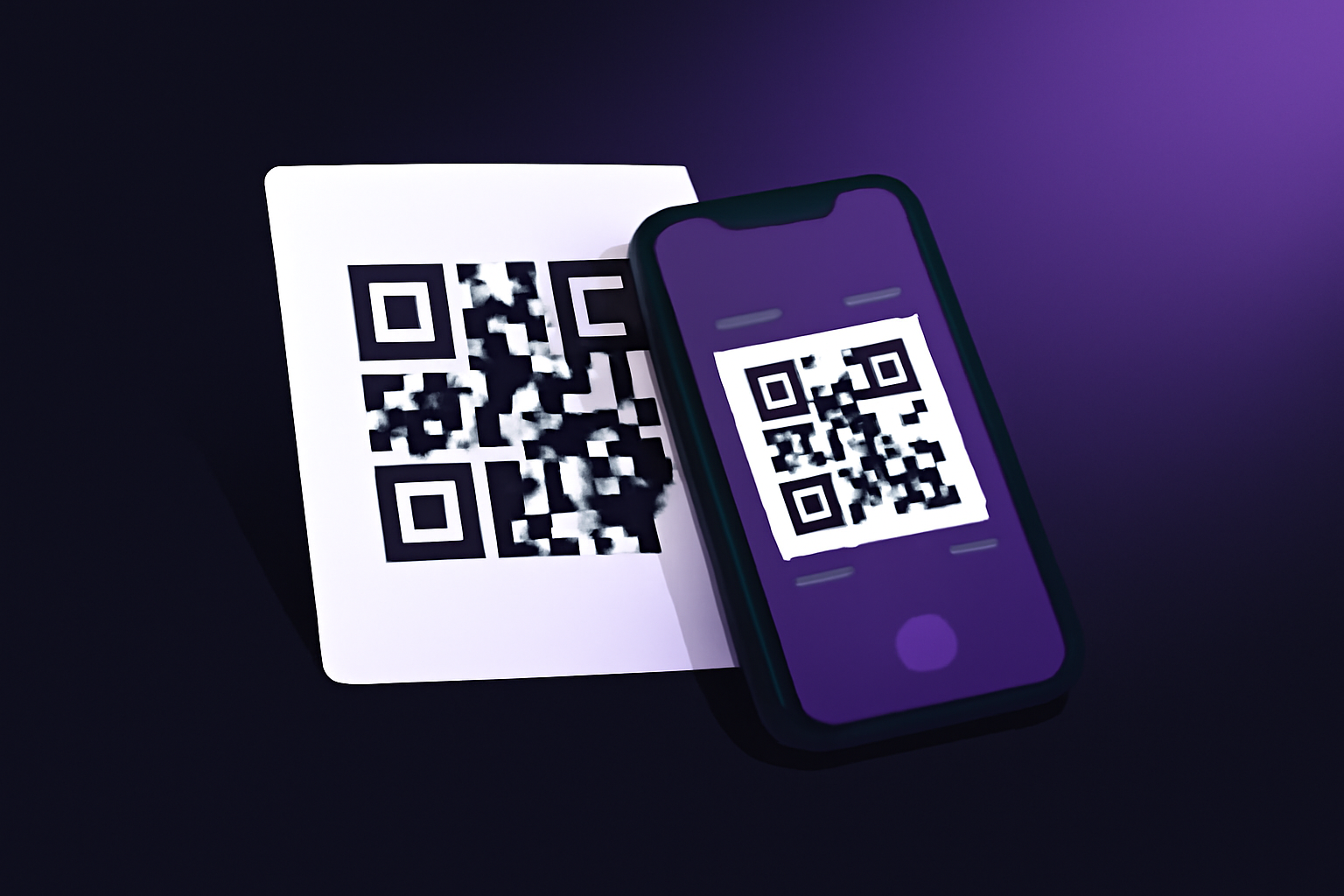
What Are QR Codes?
QR codes (Quick Response codes) are two-dimensional barcodes that store information in a pattern of black and white squares. Originally invented in 1994 for tracking automotive parts, QR codes have become ubiquitous in modern life—from restaurant menus and payment systems to marketing campaigns and product packaging.
Unlike traditional barcodes that store data horizontally, QR codes store information in both horizontal and vertical directions, allowing them to hold significantly more data—up to 7,000 characters. This makes them incredibly versatile for encoding URLs, text, contact information, Wi-Fi credentials, and more.
- Numeric data: Up to 7,089 characters
- Alphanumeric: Up to 4,296 characters
- Binary data: Up to 2,953 bytes
- Japanese Kanji: Up to 1,817 characters
How QR Codes Work
Understanding QR code structure helps you create better codes and troubleshoot scanning issues:
Anatomy of a QR Code
- Finder Patterns: The three large squares in corners help scanners detect and orient the code
- Alignment Patterns: Smaller squares that help with perspective correction
- Timing Patterns: Alternating black and white modules that help determine data cell coordinates
- Data Region: The main area containing encoded information
- Quiet Zone: White border around the code (minimum 4 modules) that helps scanners identify boundaries
Error Correction
QR codes include built-in error correction using Reed-Solomon algorithms. This means codes can still be read even if partially damaged or obscured:
- Level L (Low): ~7% damage recovery
- Level M (Medium): ~15% damage recovery
- Level Q (Quartile): ~25% damage recovery
- Level H (High): ~30% damage recovery
How to Create QR Codes
Creating a QR code is simple with the right tools. Here's how to do it using our free generator:
Open the QR Code Generator
Go to our free QR code generator. No account needed—it works directly in your browser.
Choose Content Type
Select what you want to encode: URL, text, email, phone number, SMS, Wi-Fi credentials, vCard contact, or calendar event.
Enter Your Information
Input the data you want to encode. For URLs, make sure to include the full address (https://...). For Wi-Fi, enter the network name and password.
Customize (Optional)
Adjust colors, add a logo, select error correction level, and choose output size. Preview your code in real-time.
Download Your QR Code
Download as PNG for digital use or SVG for print. SVG scales to any size without quality loss.
Try It Now - Free QR Code Generator
Create custom QR codes instantly. URLs, Wi-Fi, contacts, and more. 100% free, no limits.
Create QR CodePopular QR Code Use Cases
Website Links
Direct users to websites, landing pages, or specific product pages instantly.
Wi-Fi Access
Share network credentials without typing. Perfect for guests, cafes, and hotels.
Payments
Enable contactless payments via PayPal, Venmo, or cryptocurrency wallets.
Contact Cards
Share vCard contact information for easy saving to phone contacts.
Event Tickets
Digital tickets for concerts, flights, and events with quick validation.
Location Sharing
Encode GPS coordinates to open directly in maps applications.
Forms & Surveys
Link to feedback forms, registration pages, or surveys.
App Downloads
Direct to App Store or Google Play for instant app installation.
How to Scan QR Codes
Modern smartphones make scanning QR codes easy:
iPhone (iOS 11+)
- Open the Camera app
- Point at the QR code
- Tap the notification banner that appears
Android (Most devices)
- Open the Camera app or Google Lens
- Point at the QR code
- Tap the link that appears
Using a Dedicated Scanner
If your camera doesn't scan automatically, use our free QR code scanner—it works in your browser using your device camera or from uploaded images.
- Ensure good lighting—avoid shadows and glare
- Hold the phone steady about 6-12 inches from the code
- Make sure the entire code is visible in frame
- If scanning fails, try adjusting the angle or distance
QR Code Best Practices
Design Guidelines
- Maintain contrast: Dark codes on light backgrounds scan best. Avoid light gray or pastel colors.
- Keep adequate size: Minimum 2cm (0.8 inches) for close scanning, larger for distance
- Preserve quiet zone: Always include white space around the code
- Test thoroughly: Scan your code with multiple devices before printing
Content Guidelines
- Use URL shorteners: Shorter URLs create simpler, more scannable codes
- Mobile-optimize destinations: Ensure linked pages work well on phones
- Add context: Include a brief description of what scanning will do
- Consider tracking: Use UTM parameters to track QR code performance
Printing Guidelines
- Use vector formats: SVG or PDF for scalable, crisp printing
- High resolution: Minimum 300 DPI for print materials
- Test print materials: Glossy surfaces may cause glare; matte often works better
- Consider placement: Avoid folds, curves, or areas that might get damaged
- Inverting colors (white code on dark background without testing)
- Making codes too small for intended scanning distance
- Using low error correction with complex backgrounds
- Not testing codes before mass printing
Advanced QR Code Features
Dynamic QR Codes
Unlike static codes, dynamic QR codes redirect through a server, allowing you to:
- Change the destination URL without reprinting
- Track scan statistics (location, time, device)
- A/B test different destinations
- Set expiration dates
Branded QR Codes
Customize codes with your brand:
- Add a logo in the center (use high error correction)
- Change colors to match brand guidelines
- Round corners for softer appearance
- Add frames with call-to-action text
Special Data Types
QR codes can encode more than just URLs:
- WIFI:S:NetworkName;T:WPA;P:Password;; — Auto-connect to Wi-Fi
- MATMSG: — Pre-composed emails
- BEGIN:VCARD — Contact information
- geo:latitude,longitude — Map locations
Frequently Asked Questions
Are QR codes free to create and use?
Yes! QR codes are an open standard with no licensing fees. You can create and use unlimited QR codes for free with our QR code generator.
Do QR codes expire?
Static QR codes never expire—the encoded data is permanent. However, if a QR code links to a URL that becomes unavailable, the code will still scan but the destination won't work. Dynamic QR codes can be set to expire.
How small can a QR code be?
The minimum practical size is about 2cm × 2cm (0.8 inches) for close-range scanning with smartphones. For scanning from distance (like posters), make codes larger—roughly 10:1 ratio of scanning distance to code size.
Can QR codes be colored?
Yes, but maintain high contrast. Dark modules should be significantly darker than light modules. Avoid colors of similar brightness. Always test colored codes with multiple devices before deployment.
Are QR codes secure?
QR codes themselves are neutral—they just encode data. However, malicious actors can create codes that link to phishing sites or malware. Only scan codes from trusted sources, and check URLs before proceeding.
Conclusion
QR codes have evolved from industrial tracking tools to essential bridges between physical and digital worlds. Whether you're a business owner looking to enhance customer engagement, a marketer running campaigns, or simply someone who wants to share Wi-Fi credentials easily, understanding how to create QR codes and use them effectively is a valuable skill.
Remember: keep codes simple, test thoroughly, and always consider the scanning experience. With our free QR code generator and scanner, you have everything you need to start using QR codes effectively today.
- QR codes can store URLs, text, contacts, Wi-Fi credentials, and more
- Higher error correction allows for logos and damage recovery
- Maintain high contrast and adequate size for reliable scanning
- Test codes on multiple devices before printing
- Use dynamic codes when you need tracking or flexibility
